


 DMCA
 FAQ
 Webapp Installation
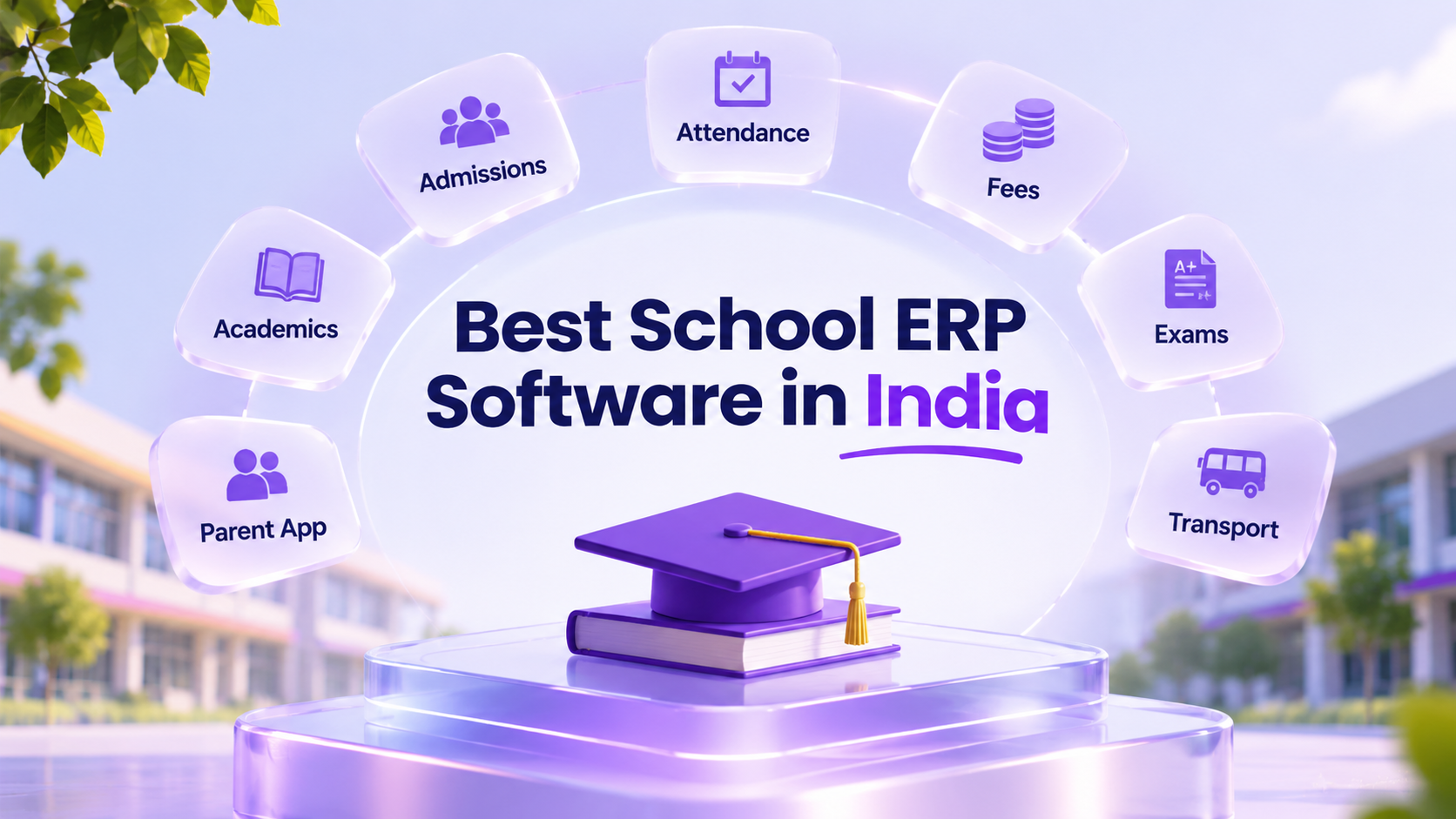
Best School ERP Software: How to Turn Your School’s Scattered Apps Into One Connected Digital Campus
Try this quick exercise. Ask your school’s office administrator to count how many different logins she uses in a normal week.
There’s probably a fee collection portal. The biometric machine’s software. A GPS app for the buses. An SMS panel. A Google Form for admission enquiries. Two or three Excel files that “only she understands.” And somewhere around 15 WhatsApp groups for different classes, staff and parents.
Seven or eight tools. Each one does its job. But not one of them talks to the others.
Here’s the surprising thing. Most Indian schools today aren’t short of technology. They’ve already gone digital in bits and pieces. The real problem is that those pieces don’t connect. So staff still end up copying information from one screen to another, checking one app against another and answering parent calls about things that are technically “online” somewhere.
That’s why choosing the Best School ERP Software isn’t about adding one more app to the pile. It’s about building bridges between what you already have, so your school works like one connected campus instead of a dozen separate islands.
Tools vs. a Connected System: What’s the Difference?
A single tool solves a single problem. A payment app collects fees. A biometric machine records attendance. A GPS device tracks a bus.
A School ERP Software platform does something bigger. It gives all of those activities one shared home, so the information from each part of the school is available to everyone who needs it.
Importantly, that doesn’t mean throwing away everything you’ve already bought. A good ERP connects with your existing biometric devices, RFID readers, GPS units and payment gateways through supported integrations, so your earlier investments keep earning their place.
Think of it as three kinds of connection:
Connected processes: Admission details flow into student records, then into fees, attendance and transport, without being retyped.
Connected people: Management, administrators, teachers, parents and students each get access to exactly what they need, and nothing they don’t.
Connected technology: Your devices and apps feed into one central system instead of storing data in their own separate corners.
Now let’s walk through the bridges that matter most.
Bridge 1: From the Admission Desk to the Student Record
A parent fills in the admission form on your website. Today, someone probably prints it or retypes it into Excel. Then accounts type it again. Then the class teacher adds the child to her register.
In a connected setup, that online registration captures student details, parent information, contact numbers and any registration payment in one go. Once the admission is confirmed, the same record becomes the student’s profile, available to teachers, accounts and transport without anyone touching a keyboard again.
This is why Student Management Software in India should never be chosen as a standalone record-keeping tool. Student data is used by almost every department, so it needs to sit at the centre of your system, not off to one side.
Check during the demo: How is a student record updated? Who can edit it? And how does the system stop duplicate entries from creeping in?
Bridge 2: From the Classroom to the Student’s Home
Teaching doesn’t stop at the classroom door. Homework, assignments, live classes and exam schedules all need to reach students and parents.
A connected academic system brings together lesson planning, timetables, homework and assignments, live classes, classroom observations, exams and academic reports. Teachers enter things once, coordinators can see them and families receive them on their phones.
If you’re looking at School ERP & LMS Software, it’s worth understanding the difference between the two parts. The ERP side handles academic administration, such as timetables, attendance, marks and report cards. The LMS (learning management) side supports learning activities themselves, such as live classes and digital learning. Providers offer different mixes of both, so don’t assume every “ERP and LMS” platform does the same things.
Check during the demo: Ask the vendor to show a teacher posting an assignment, a student viewing it and a parent seeing it on their phone, all live.
Bridge 3: From the School Gate to the Office
Attendance is the most frequent task in any school. It happens every day, in every class, for every child and every staff member.
Many schools are now looking at an RFID School Management System, where students carry cards with RFID tags that are read by devices placed around the campus. Depending on how it’s set up, RFID can support student identification, attendance recording, entry and exit processes, and even bus boarding.
But RFID isn’t magic. It only does what the hardware, the reader placement and the software integration allow. Before you invest, work through these six questions:
-
What exactly do we want it to do?
Attendance? Identification? Gate entry? Bus boarding? -
Will the cards and readers work with our ERP?
Get this confirmed in writing. -
Where will the readers go?
Main gate, classrooms, buses, library? -
How will the data be stored and who can see it?
This is children’s information, so treat it carefully. -
Who will maintain the hardware?
Readers break, cards get lost and someone needs to own that. -
What’s the full cost?
Hardware, installation, integration and replacement cards all add up.
For staff, biometric attendance devices can feed check-in times straight into the system, which keeps HR and payroll accurate without manual registers.
Bridge 4: From the Parent’s Wallet to the Accounts Desk
Fee collection is where disconnected systems cause the most frustration. A parent pays online, but the payment portal doesn’t talk to the student records. The class teacher sends a reminder anyway. The parent calls the office, annoyed. Someone spends 20 minutes sorting it out.
When digital fee payments are connected to student profiles, every payment updates the record instantly. Receipts are generated automatically, dues lists correct themselves and the accounts team can see collection reports without compiling them by hand. Financial accounting and payroll can sit in the same system, too.
Check during the demo: Which payment gateway is supported? How are transactions confirmed and reconciled? Are there any extra transaction charges? Bring your actual fee chart, including instalments and concessions, and ask them to set it up live.
Bridge 5: From the School Bus to the Parent’s Phone
For schools that run buses, transport is a daily source of worry for parents and stress for staff. A bus running 15 minutes late can mean 30 phone calls to the transport in-charge.
GPS tracking for school transport, connected to your ERP and the parent app, lets families check the bus location themselves. Routes, stops, vehicle details and student allocations all live in the same system as everything else.
Check during the demo: Which GPS devices are compatible? Who can see live locations? Are there any hardware or subscription charges? GPS features vary a lot between providers, so ask to see exactly what parents will see.
Bridge 6: From the Staffroom to HR
Teachers and support staff are the heart of the school, but their records are often stuck in thick paper files.
A connected staff management system brings recruitment, staff records, attendance, appraisals and payroll together. When a teacher applies for leave, the timetable shows a substitution, HR records it and payroll adjusts at month-end, all from one action.
Check during the demo: Does it match how your HR team actually works today, or would they have to change everything?
Bridge 7: From the School Office to Everyone’s Pocket
For most parents, the mobile app is the school’s digital campus. They’ll never see your admin dashboard or your timetable screen. They see the app.
So when you’re looking for the Best School Mobile App in India, don’t judge it by how pretty it looks in a brochure. Judge it by whether real people can do real things with it.
Parents should be able to check attendance, see homework and assignments, view exam results, pay fees, read circulars, get transport updates and receive important notifications.
Teachers should be able to mark attendance, post assignments, check lesson plans and communicate with parents, all from their phones.
Administrators should be able to send announcements, check records and keep an eye on the day’s activity on the go.
The app should also fit into a wider communication setup. The School Management Software in India you choose should support the channels your parents actually use, whether that’s the app, email, SMS or WhatsApp integration. Decide early who in your school is allowed to send official messages, and which channel is used for what.
Check during the demo: Hand the app to a parent from your school and a teacher. Ask them to find a notice, check attendance and make a test payment. Watch where they hesitate.
How Not to Get Dazzled by Feature Lists
Every vendor will show you a long list of modules. That list is not the point. When comparing options for the Best School ERP Software in India, keep coming back to your 15-minute audit.
Separate must-haves from nice-to-haves: Most schools start with admissions, student records, attendance, fees and communication. Transport, hostel, canteen and inventory can come later, if you need them at all.
Make them show, not tell: Ask the vendor to register a student, mark attendance, record a fee, share homework, publish results and pull a management report, all live. Slides prove nothing.
Get integrations in writing: If you already own biometric devices, RFID readers, GPS units, canteen and library scanners or a payment gateway, confirm compatibility, setup requirements and costs on paper before you sign.
Ask the hard data questions: Where is data stored? Who can see what? How are logins protected? How do backups work? How do you get your data back if you ever leave? Also agree on internal rules, like no shared passwords.
Know the full cost: Setup, subscription, extra modules, hardware, integrations, data migration, training and support. Ask for a three-year total, not just the first-year price.
Going Digital Without Disrupting the Term
The fastest way to make staff hate new software is to launch it in the middle of exam season. Here’s a calmer way to do it.
Start with the audit: Talk to teachers, accounts, reception and admin. Find out where the most time is being lost.
Choose carefully: Compare vendors against your real workflows, not their brochures.
Clean your data: Fix duplicate students, wrong phone numbers and missing parent details before moving anything across.
Launch the essentials first: Get three to five core modules working well before adding more.
Train each group separately: Teachers, office staff, accounts, parents and students all need different things. Keep sessions short and practical.
Test before you trust: Run real admissions, attendance, payments, messages and results through the system first.
Keep improving: After a month, ask everyone what’s working and what isn’t. A digital campus is never “finished.” It gets better as you use it.
The ideal window for most schools is the summer break or the weeks before a new session starts.
How OneFlawless Helps You Build a Connected Campus
One Flawless offers a secure, cloud-based School ERP and LMS platform with more than 40 modules, designed to bring your academics, administration, finances and communication into one place.
For academics, it covers lesson planning, timetables, live classes, library details, inspections and observations, and examination management.
For students, it includes admissions and visitor management, student services, student wellness and alumni.
For finance and staff, there’s fee management, financial accounting, payroll, staff recruitment, appraisals and staff services.
For communication, it brings email, SMS, homework and assignments, task management and WhatsApp management together, along with a communication portal.
The mobile app gives administrators, students, parents and transport in-charges their own access, with notifications, attendance updates, homework and assignments, online fee payment, exam results, transport updates, an e-diary and circulars.
And on the integration side, OneFlawless connects with biometric devices, RFID, WhatsApp, online payments, GPS tracking, POS and barcode systems, and school websites, so the technology you already own becomes part of one system.
The platform is designed to be user-friendly and customisable, so it can be shaped around how your school actually works. The best way to see the fit is to bring your 15-minute audit to a live demo and test each bridge one by one.
Conclusion
-
Most schools don’t lack technology. They lack connection between their tools.
-
A 15-minute tech audit shows you exactly where information is being moved by hand.
-
A good ERP connects admissions, academics, attendance, fees, transport, staff and parent communication.
-
RFID, biometric, GPS and payment integrations are useful, but only after you confirm compatibility, cost and purpose.
-
The mobile app is your parents’ view of the whole school, so test it with real users.
-
Launch in phases, train by role and keep improving.
One Campus, Not a Dozen Islands
Your school has probably already done the hard part: you’ve started going digital. Now it’s time to make all those pieces work together.
When your admission form talks to your student records, your fee portal talks to your accounts, your buses talk to your parents’ phones and your staffroom talks to HR, something changes. Your staff stop being messengers between systems. Parents stop calling for answers they can already see. And your school finally runs like one connected campus.
Book a free OneFlawless demo and bring your tech audit along. We’ll show you how each of your tools can connect into one platform. Call +91 73036 23733 or visit oneflawless.com to get started.
Categorie
- Formazione
- Art
- Causes
- LifeStyle
- Crafts
- Dance
- Drinks
- Film
- Fitness
- Food
- Giochi
- Gardening
- Health
- Home
- Literature
- Music
- Networking
- Altre informazioni
- Party
- Religion
- Shopping
- Sports
- Theater
- Wellness
- Education & Learning
- Exam Preparation
- Mathematics & Science
- Programming & Coding
- Web Development
- Laravel & PHP Development
- Node.js & JavaScript
- Python Development
- React & Frontend Development
- Mobile App Development
- Software Engineering
- Database Management & SQL
- Cybersecurity & Networking
- Artificial Intelligence & Data Science
- Cloud Computing & DevOps
- Business & Entrepreneurship
- Digital Marketing
- Finance & Accounting
- Teaching & Tutoring
- Career & Professional Development
- Engineering & Technology
- Arts & Design
- Languages & Literature
- News & Current Affairs
- Lifestyle & Personal Development
- Entertainment & Culture
- Health & Wellness
- Law & Legal Studies
- Agriculture & Environment
- Research & Academic Writing
Leggi tutto
Department and their clearance amount
Rasmus Dahlin remaining educate early upon Thursday at KeyBank Middle owing toward what Sabres teach Lindy Ruff pointed out as "repair service.""I put on't believe that it'll have an effect on him, yet by yourself by no means understand right up until tomorrow, " Ruff consists of performed all 22 of Buffalo's game titles this year and ranks moment upon the staff with 19 took the ice...

Starting from absolute zero in Old School RuneScape has a strange appeal. No stats, no gear, no gold—just a tiny level 3 adventurer fresh off Tutorial Island and the hope that 24 hours of in-game time can turn them into something more. So, that's the challenge: How much OSRS gold can you make on a brand-new level 3 account within 24 hours of in-game time? Here are the rules: 24 hours...

The Ottawa Senators have been not able in direction of gain their 7th specifically as they fell in direction of the Edmonton Oilers as a result of a rating of 3-1. Nick Cousins scored the lone function for the Senators, despite the fact that goaltender Leevi Merilinen entered the video game right after the initially interval within just aid of Linus to start with interval began off scoreless...
Open your wardrobe and count the pieces you actually reach for. For most of us, it's a small number. A couple of shirts that fit just right. One pair of trousers that works for the office and for dinner. A T-shirt that still looks good after its fiftieth wash. The rest? Bought on impulse, worn twice, and now just taking up space. That gap between what we own and what we wear is where quiet...